
Mobile app
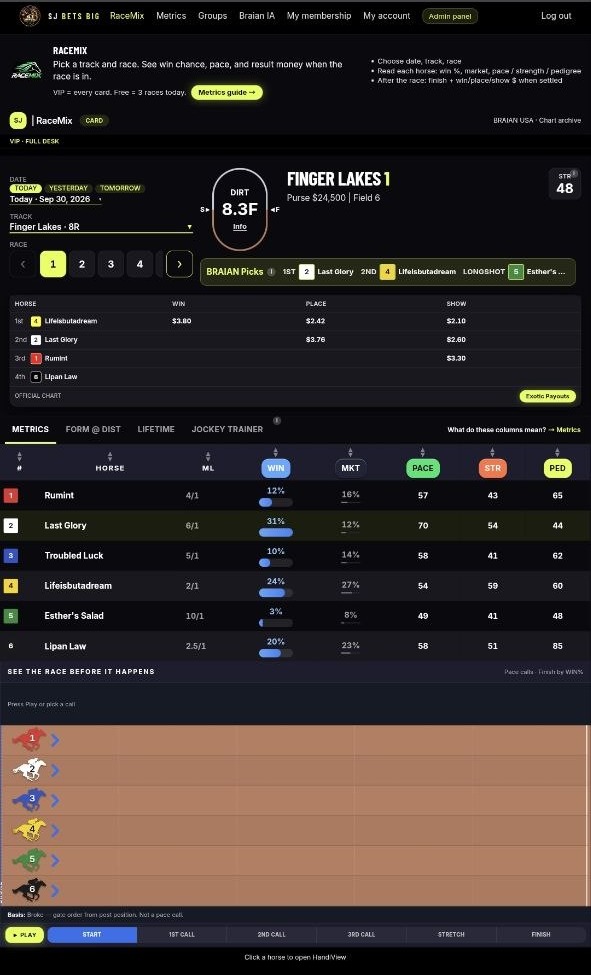
Install the RaceMix app
Browser install only (PWA). There is no App Store or Google Play download.
Required for the best experience on your phone. After install, always open RaceMix from the Home Screen icon.
iPhone / iPad (Safari)
- 1Open this site in Safari.
- 2Tap the Share button (the square with an arrow pointing up).
- 3Scroll down and tap Add to Home Screen.
- 4Tap Add. RaceMix now opens from your home screen like an app.
Android (Chrome)
- 1Open this site in Chrome.
- 2Tap the menu (three dots, top right).
- 3Tap Install app or Add to Home screen.
- 4Confirm. The RaceMix icon appears on your home screen.
Desktop (Chrome / Edge)
- 1Open this site in Chrome or Edge.
- 2Click the install icon at the right of the address bar.
- 3Click Install. RaceMix opens in its own window.
Same membership login after install · 18+ · Gamble responsibly.